

Connect your Linear workspace
- Go to the Agent page in your dashboard.
- In the “Agent settings” section, click Install Linear app.
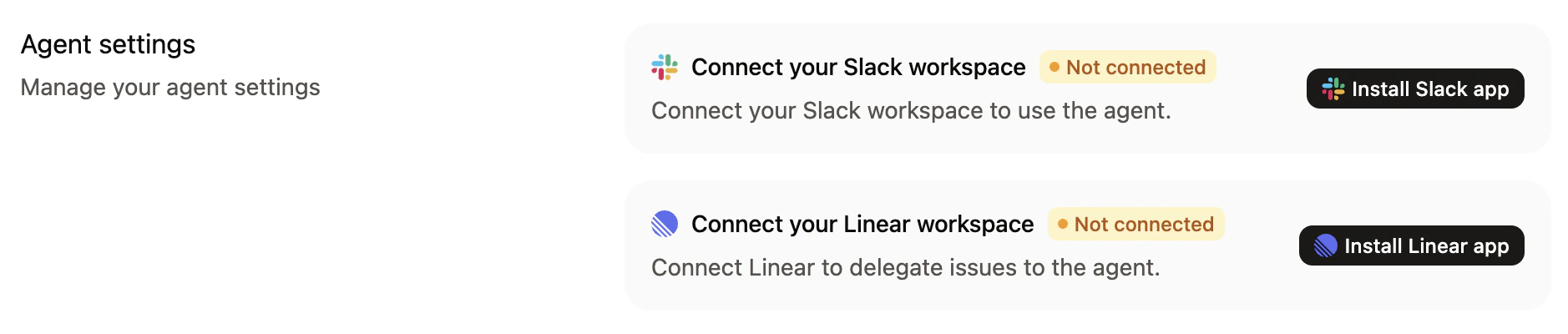
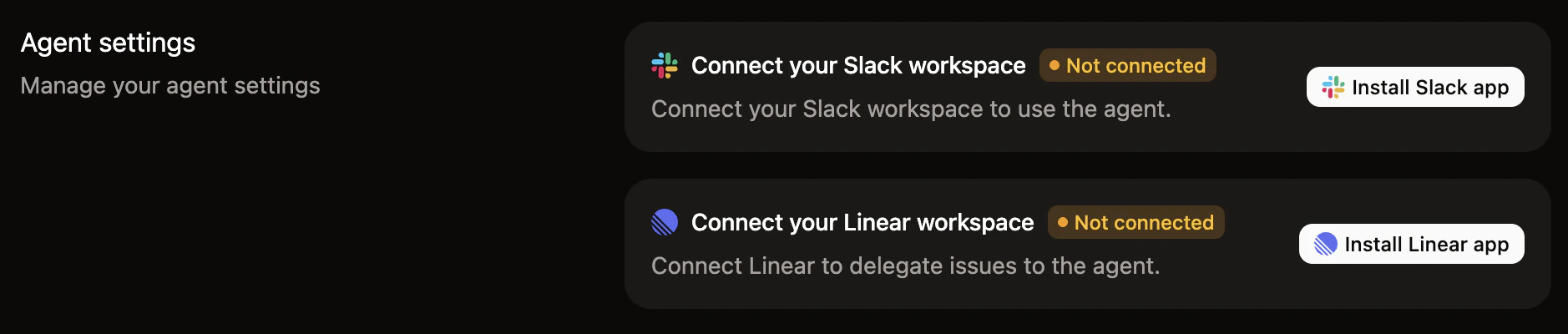
- Follow the Linear prompts to authorize the Mintlify app in your workspace.
Use the agent in Linear
Once connected, mention@mintlify in a Linear issue or assign an issue to Mintlify to trigger a documentation update. The agent uses the issue’s title, description, and comment thread for context, then opens a pull request in your documentation repository.
Use the agent in Linear to:
- Update docs from feature issues: When a feature ships, mention the agent in the issue to draft or update the relevant documentation.
- Act on documentation feedback: Create Linear issues for documentation improvements and mention the agent to make the changes.
- Generate release notes: Mention the agent in a release-related issue to draft changelog entries based on the issue details.
- Fix reported problems: When someone reports a docs issue in Linear, mention the agent to resolve it.
Best practices
- Include context in the issue: The more context you provide in an issue, the better the resulting pull request.
- Review pull requests: Always review the pull requests that the agent creates before merging them.
- Iterate in comments: Reply in the same issue thread to refine the agent’s output, similar to how you would in Slack.